
What Should I Send Technical Support When My Lubricant Filler Stops?
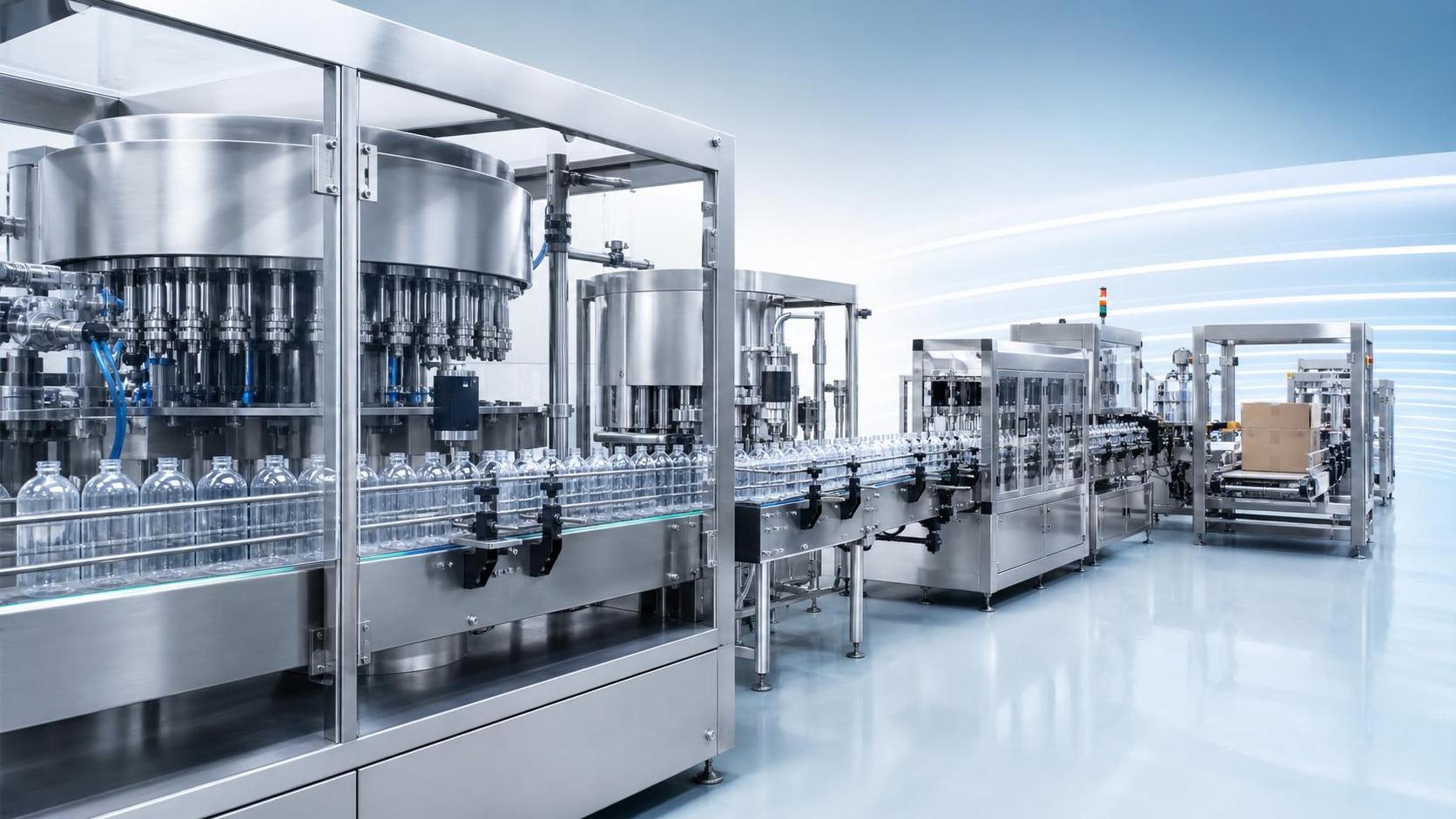
What Should I Send Technical Support When My Lubricant Filler Stops?
When your lubricant filler stops, every minute of downtime puts production targets at risk. A clear support request helps technicians narrow down the cause faster. Before contacting technical support, gather the machine model, alarm codes, lubricant specifications, recent operating changes, and photos or videos taken only when safe.
The key is to describe what happened, not just say that the machine “is not working.” A filler that loses power, a filler waiting for bottles, and a filler pausing because its supply tank is low may look equally unproductive from the production office. They require different investigations. The same distinction matters when planning a lubricant filling line capacity upgrade: a stoppage at the filler does not necessarily mean the filler is the bottleneck.
Make the situation safe before collecting evidence
If there is leaking lubricant, smoke, unusual heat, unexpected movement, or a damaged guard, follow the site’s emergency and isolation procedures. Getting a useful video is never more important than keeping people away from a hazard.
Do not bypass an interlock, repeatedly reset a tripping drive, open a live electrical cabinet, or reach into the conveyor to demonstrate the fault. Inspection and maintenance may require isolation of electrical, pneumatic, and stored mechanical energy under your site’s procedures. A stopped machine is not automatically an isolated machine.
Where it is safe, preserve the alarm screen and event history before acknowledging faults or cycling power. Some controllers retain this information; others may lose useful context. If an emergency required immediate shutdown, say so. Support should understand why the original operating state is no longer available.
Identify the actual machine—not just the line supplier
Start with the filler’s manufacturer, model, serial number, and installation location. A clear nameplate photo is useful because similar-looking machines can have different pumps, controls, and filling principles. Include the purchase or project reference if available, especially on an OEM line supplied through an integrator.
Explain the configuration briefly: number of filling heads, container format, nominal fill quantity, and whether the machine uses piston, flowmeter, weighing, or another filling method. If you do not know, send the equipment documentation rather than guessing. Include the HMI or controller software version only if it is accessible through an authorized screen.
On a complete packaging line, the filler may exchange signals with bottle handling equipment, a capper, conveyors, and downstream packing machinery. Identify which stations share controls and which have separate panels. This helps support decide whether the problem belongs to the filler itself or requires coordination with another equipment supplier.
Describe the stop as a sequence of events
“The filler stopped during production” leaves too much open. A useful description tells the technician what the machine was doing immediately before the stop and what remains operational afterward.
For example, an observation might read: “In automatic mode, bottles entered the filling position, but the nozzles did not descend. The infeed conveyor continued running, and the HMI displayed a bottle-position alarm.” That is not a diagnosis. It is a sequence that gives support somewhere sensible to start.
- Give the date, local time, and time zone, particularly if service is remote.
- State whether the stop occurred at startup, during steady production, after a refill, or following a changeover.
- Copy the exact alarm code and message, including the affected head, axis, pump, or drive if shown.
- Explain whether all filling heads stopped or only one position was affected.
- Describe what happened after any authorized reset: no response, immediate recurrence, or temporary operation.
Send the alarm history as well as the current alarm. The last message can be a consequence of the original fault. A safety-chain interruption, for instance, may be followed by several drive or communication messages. Their order can matter more than their quantity.
Send lubricant properties that affect filling behavior
“Lubricating oil” is not a sufficient product description. Send the product name, grade, batch reference, and relevant technical data sheet. Make the safety data sheet available where needed for handling and service planning. These documents serve different purposes; a safety data sheet may not contain enough viscosity information for troubleshooting.
Record the lubricant temperature at the supply tank or another established measurement point, and identify that point. Viscosity depends on temperature, so a published value without its reference temperature can be misleading. An ISO viscosity grade alone does not establish how the product behaves at the actual filling temperature.
Tell support whether the product has changed, whether it appears unusually foamy, and whether air bubbles are visible through existing sight glasses. Do not open the product circuit just to check. A product change can alter suction conditions, dosing time, or settling behavior even when the container and target fill remain unchanged.
Include the container size, neck opening, target fill quantity, and whether the target is defined by mass or volume. If fill inconsistency preceded the stop, send measurements taken through your normal quality procedure, with units and the measuring method. Avoid mixing weight readings with volume setpoints without explaining the conversion basis.
Show what was happening around the filler
A filler depends on stable product supply, utilities, and bottle flow. Report the supply tank level, transfer-pump status, and any available inlet-pressure or filter-condition readings. Use installed instruments and authorized records; do not improvise pressure tests or disconnect hoses for remote diagnosis.
A restricted filter, changed hose arrangement, or interrupted transfer pump can limit replenishment. The filler may then pause or alarm even though its dosing components are functioning. If a filter was recently replaced, provide the replacement specification and service record rather than simply saying “new filter fitted.”
Check the other direction too. Bottles backed up at the capper, shrink or drying equipment, or carton packing station can trigger a downstream hold. An empty infeed can produce an upstream waiting state. On lines equipped with bottle washing or rinsing, those stations also belong in the event description. A controlled wait is different from an equipment fault, even when both stop output.
For pneumatic equipment, send the air-pressure reading at the machine’s designated gauge and note whether it changed during operation, if already observed safely. Compressor pressure elsewhere in the plant may not represent conditions at the filler. Electrical measurements should be left to qualified personnel and supplied only when requested and safely obtained.
Report recent changes, including the small ones
The most useful troubleshooting question is often: “What changed since the last satisfactory run?” Include product and bottle changeovers, recipe edits, speed adjustments, cleaning, maintenance, component replacement, and utility interruptions.
Be specific. “Maintenance yesterday” is less helpful than “the product hose was replaced and the filling recipe was reloaded.” A different hose bore or routing may affect supply behavior; a recipe change may alter timing. Neither proves the cause, but both narrow the investigation.
List troubleshooting already performed, who performed it, and the result. Separate observations from conclusions: “the sensor indicator remained off with a bottle present” is more useful than “the sensor is broken.” Avoid changing several settings at once. It becomes difficult to establish which change affected the symptom, and restoring the approved baseline becomes harder.
Choose photos and video that answer a question
Useful attachments include the alarm screen, machine nameplate, affected filling position, and a wider view showing bottle accumulation or gaps. Take them from normal safe access positions, with guards in place. Do not remove covers for a clearer shot.
If the symptom can be captured during normal, authorized operation without additional risk, a short video can show the sequence better than several still images. Include the relevant HMI status where practical. Do not restart a hazardous or repeatedly tripping machine just to record it.
Label files by machine, time, and subject. Send original files through the supplier’s approved channel when possible; compressed messaging attachments can make alarm text unreadable. Review material for passwords, confidential recipes, and unrelated personnel information before sharing.
A support request you can copy
Keep the opening message short enough to scan. Attach detailed records underneath it rather than burying the fault description in a long maintenance history.
- Equipment: Manufacturer, model, serial number, project reference.
- Stop: Time, operating mode, exact symptom, first alarm and subsequent messages.
- Product and format: Lubricant grade, temperature and measurement location, bottle size, fill target and units.
- Line conditions: Product supply status, available utility readings, upstream and downstream machine status.
- Changes and actions: Recent changeover or maintenance, authorized checks performed, results.
- Attachments and contact: Alarm history, safe photos or video, relevant records, available site technician and contact window.
When the stoppage points to a capacity problem
If stops began after increasing production speed, include the last stable settings and the new settings. Distinguish selected machine speed from sustained output of acceptable filled containers. Repeated waiting for product or repeated downstream accumulation suggests that line balance needs investigation, not just a higher filler setting.
For a lubricant filling line capacity upgrade, support needs the intended product range, container formats, fill quantities, and observed constraints. Adding filling heads may not help if the transfer system cannot replenish product or the capper cannot clear bottles. Higher conveyor speed can also expose bottle-handling problems that were less apparent at the previous rate.
An integrated equipment supplier can review the filler alongside filtration, conveying, capping, and packing equipment. Whether the solution is an OEM modification or a tailored small-business line, compatibility must be checked against the actual lubricant and operating conditions. A machine’s suitability for edible oil or detergent does not, by itself, establish suitability for your lubricant.
Before restarting, agree on the authorized checks, the conditions for a safe trial, and the readings to capture. If the original fault returns, preserve that evidence rather than continuing to reset. The next useful step is a controlled investigation—not another unexplained restart.
Thank you very much for writing to us. Please leave your message and contact information, we will reply to you within 24 hours.